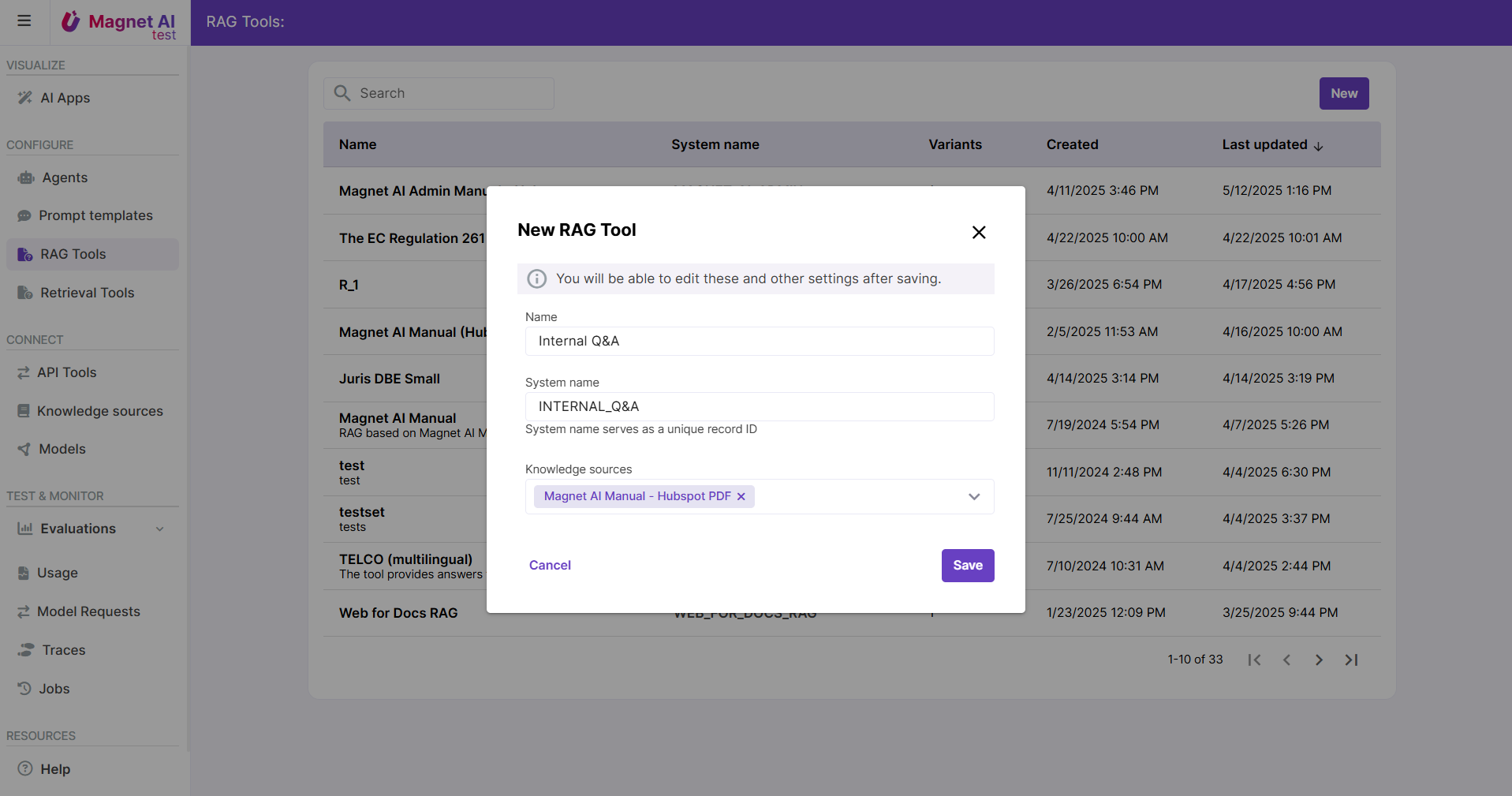
Steps to Configure a RAG Tool
Configuring a RAG Tool consists of 7 steps:
- Select one or multiple Knowledge Sources to ground the LLM answers
- Adjust advanced retrieval settings for most relevant content to be fetched (optional)
- Review or adjust the Prompt Template for answer generation (optional)
- Enable multi-lingual RAG (optional)
- Enable post-processing of RAG Tool output for Usage reports (optional)
- Adjust UI Settings for a polished look and feel (optional)
- Test and Save.
Read more about configuring RAG Tools.