Agent Conversations
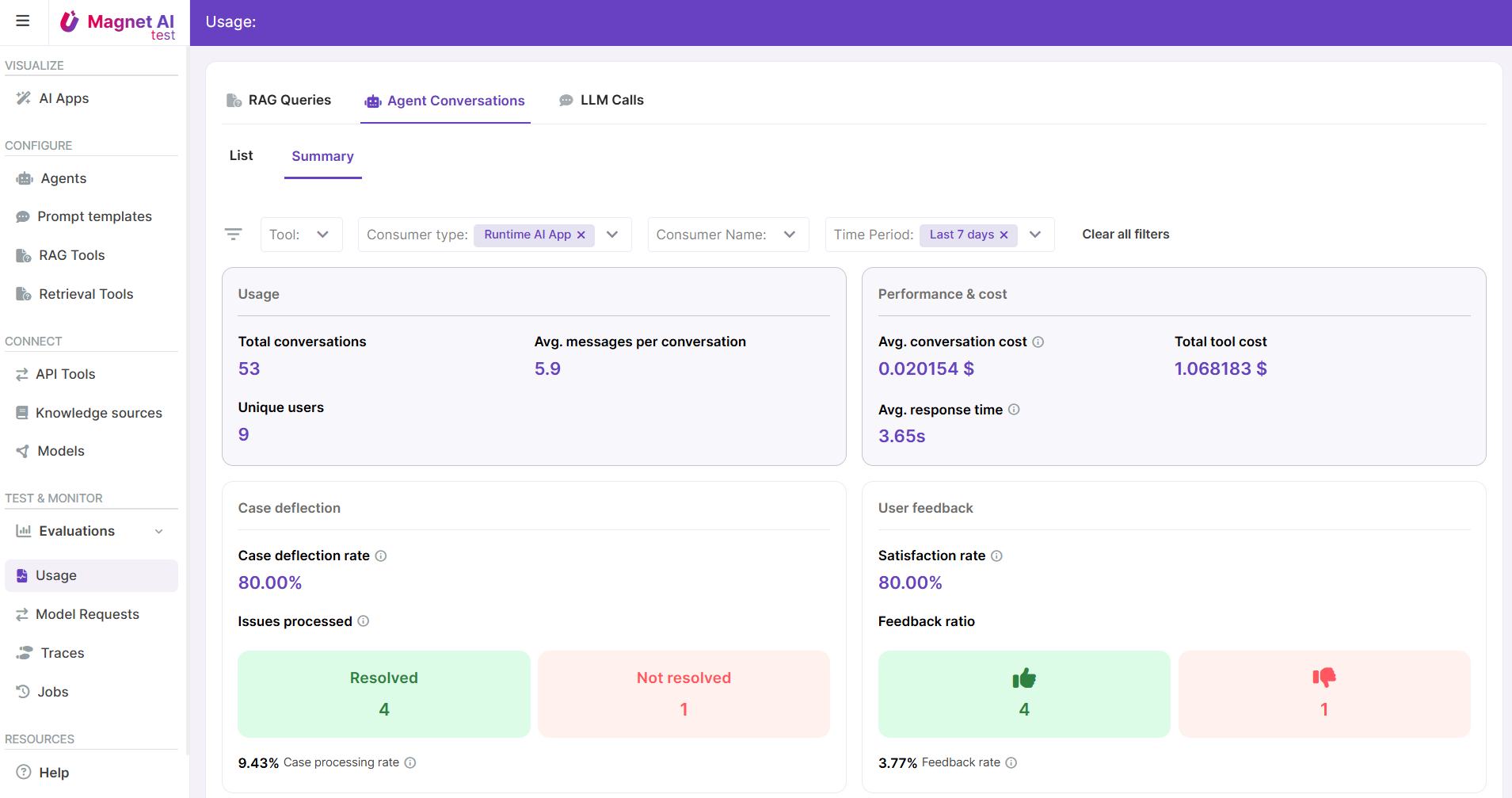
This report provides information about Agent conversations for the maximum of 7 last days.
It comes in a list view and an analytical dashboard where you get an overall summary of all Agents as well as summaries for specific Agents.
Some metrics are available immediately once a conversation has started, while post-processing metrics come in after the conversation is closed. If a conversation was not explicitly closed by the user, it is automatically closed after a time period configured for the Agent.
How to make the most of Agent Conversations Usage feature
Enable user feedback to track user likes, dislikes, and comments. Enable this feature in the UI Settings tab of Agent configuration.
Enable post-processing to collect data about language, user sentiment, category and resolution status. This data is generated by the LLM, so enabling this feature (from the Post-processing tab on Agent details) adds one extra call to LLM.
Use the “View trace” link in record details to view detailed information about Agent execution steps - using this data, you can track down quality and performance issues.